
Zoom
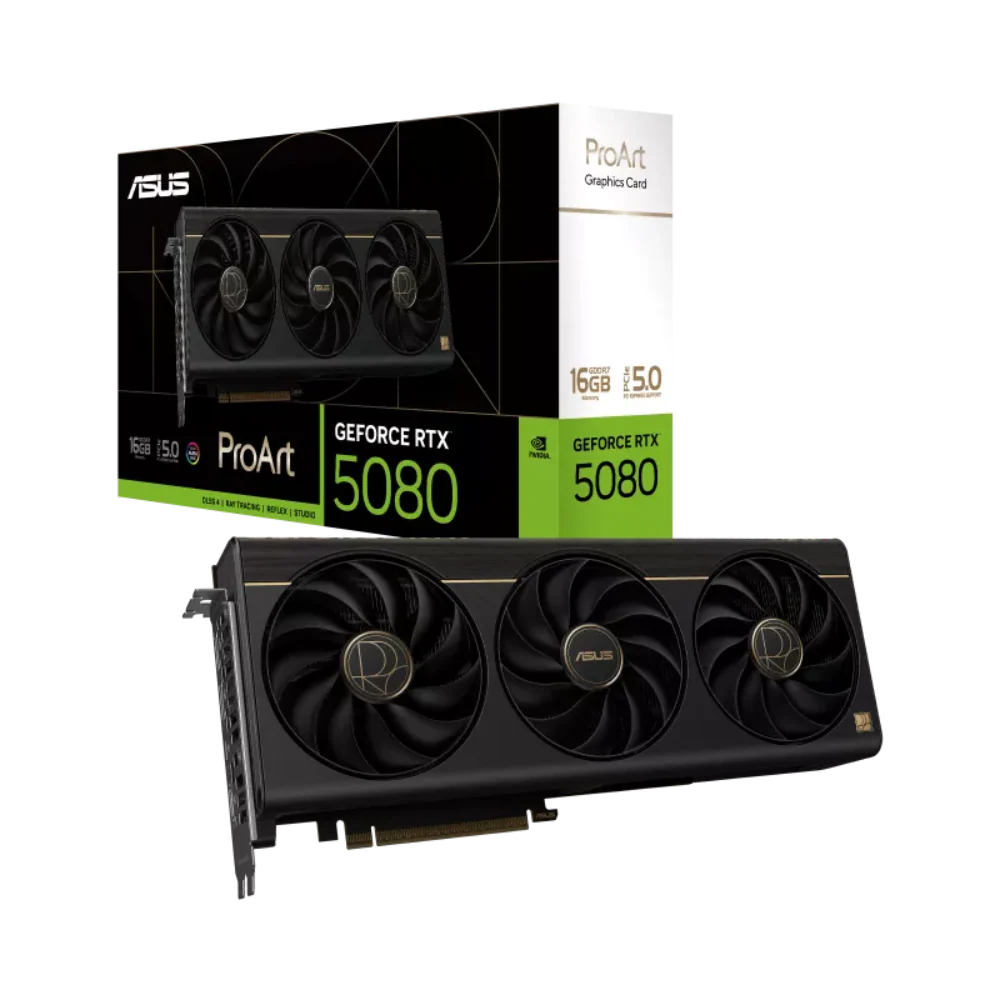
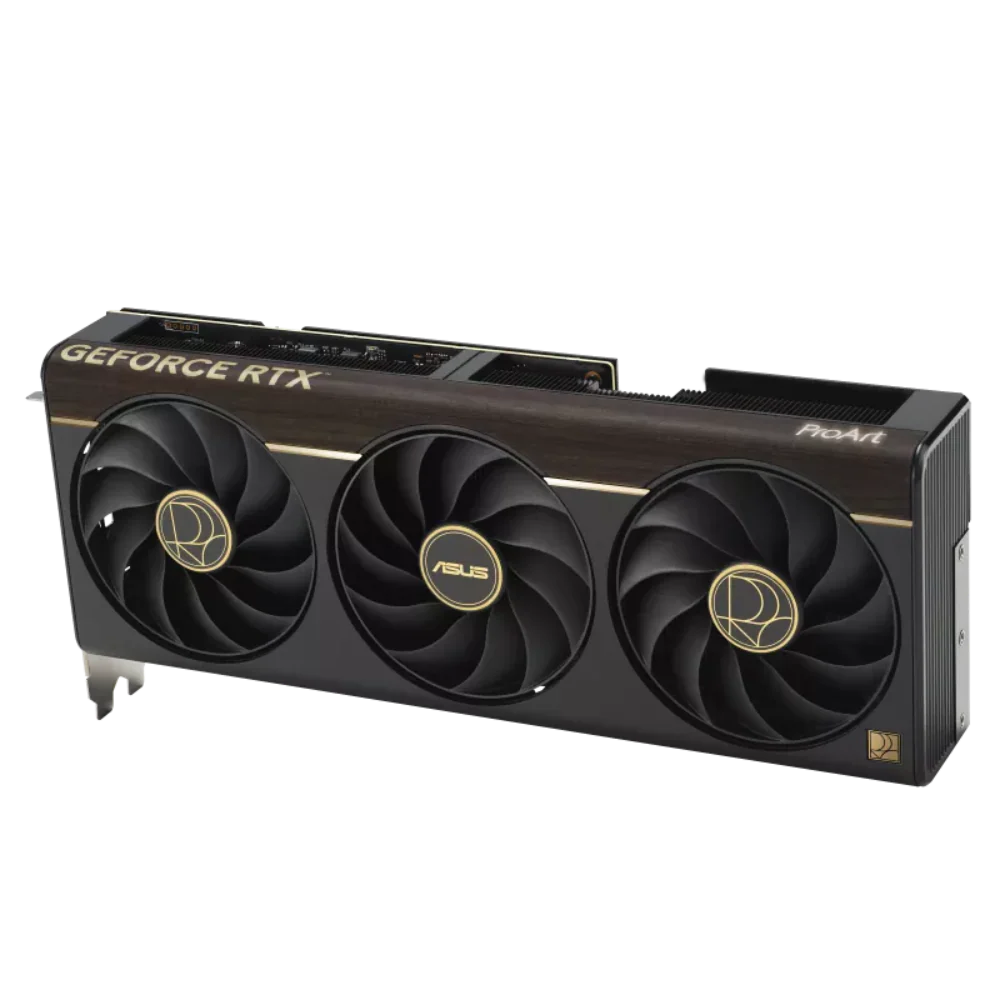

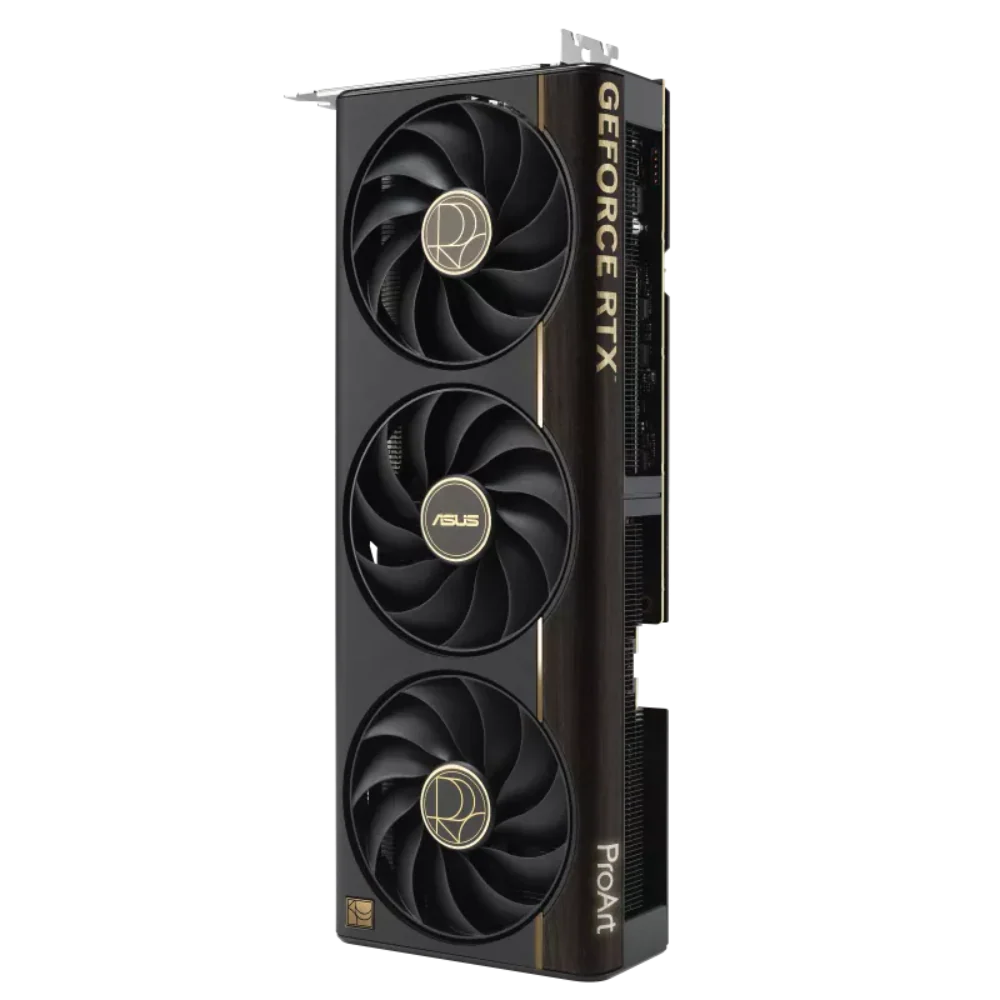
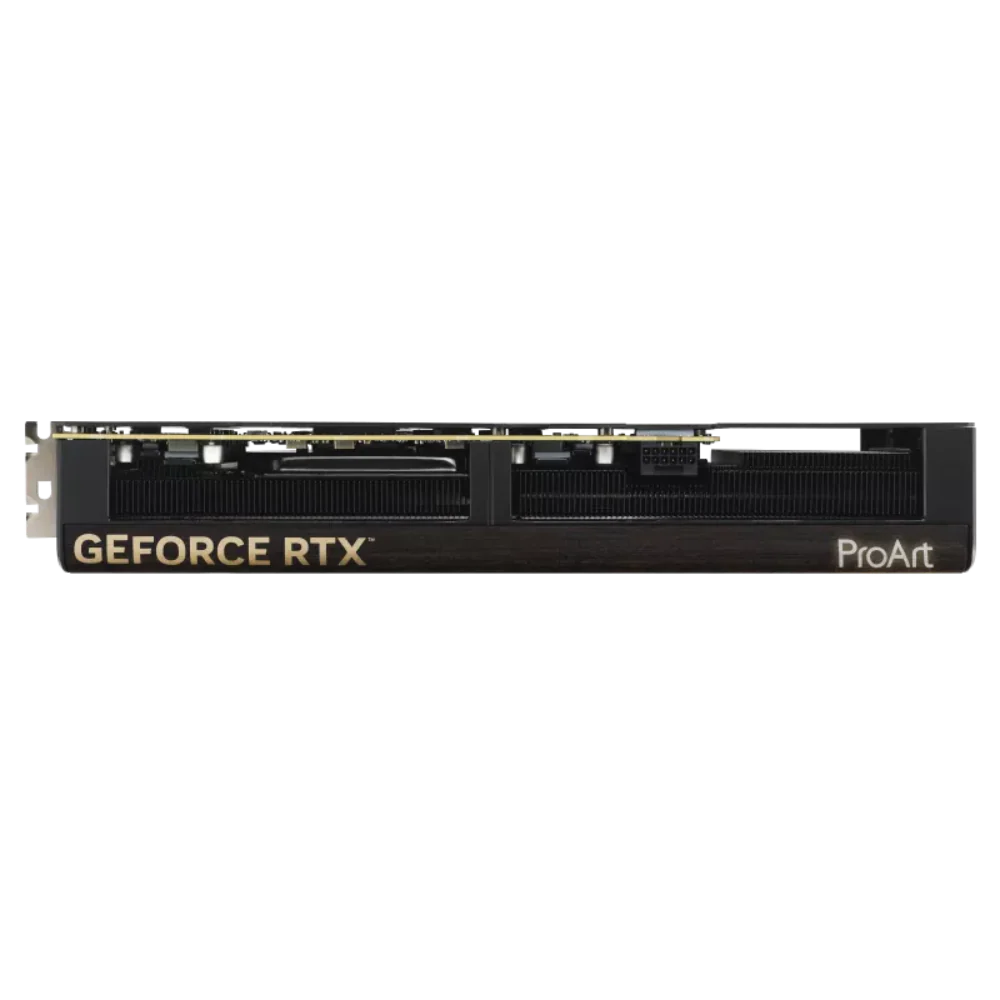
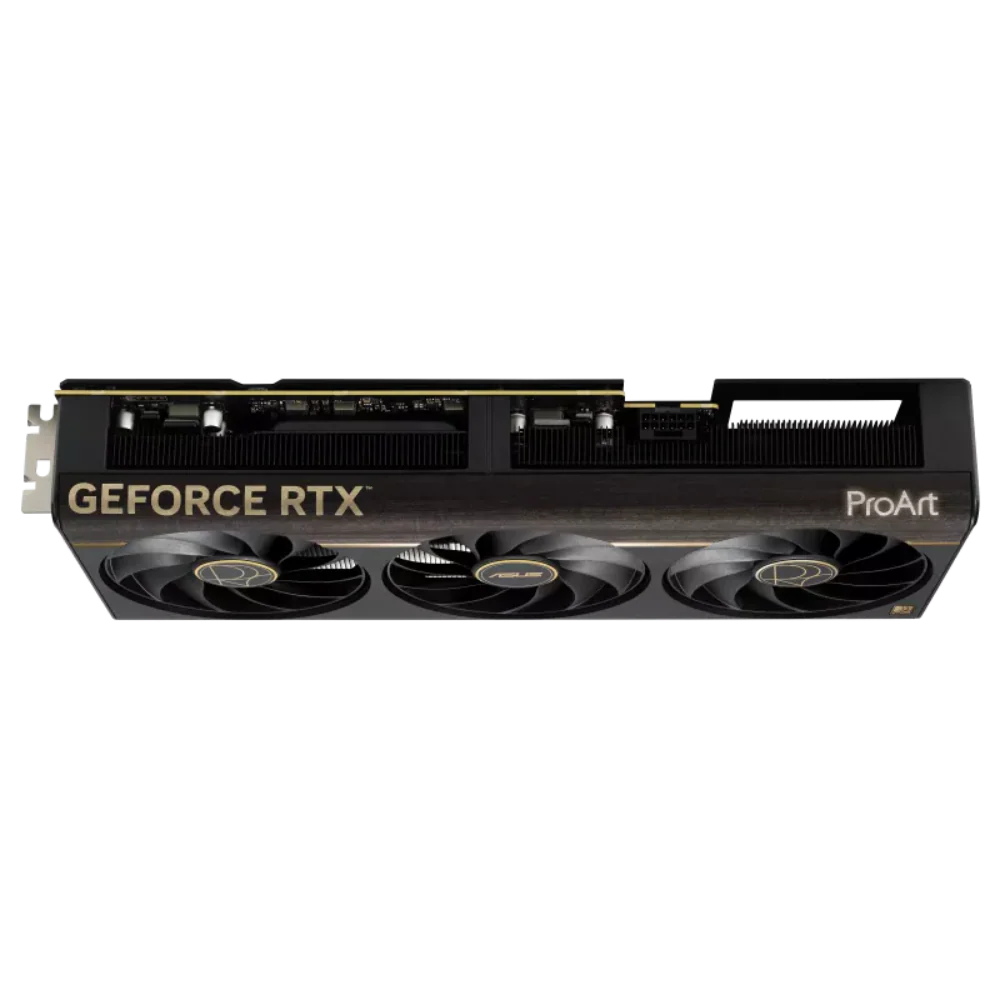
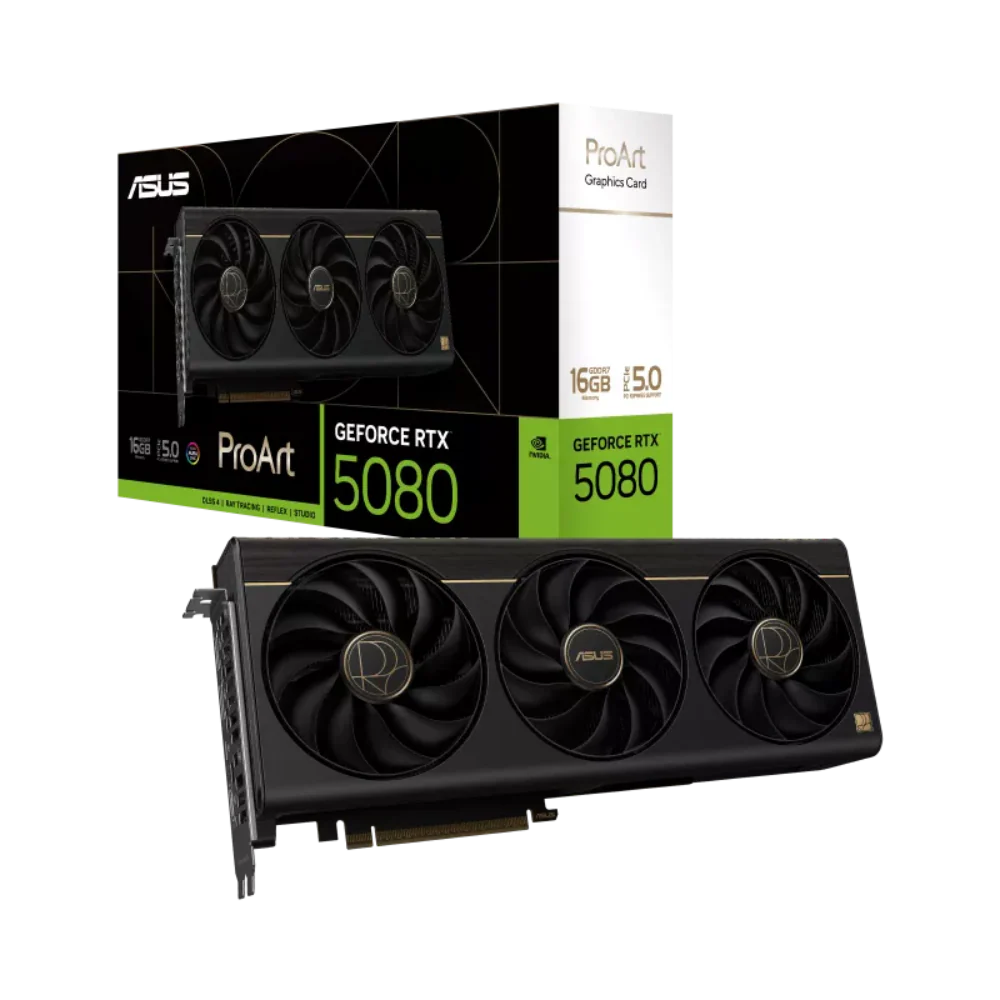
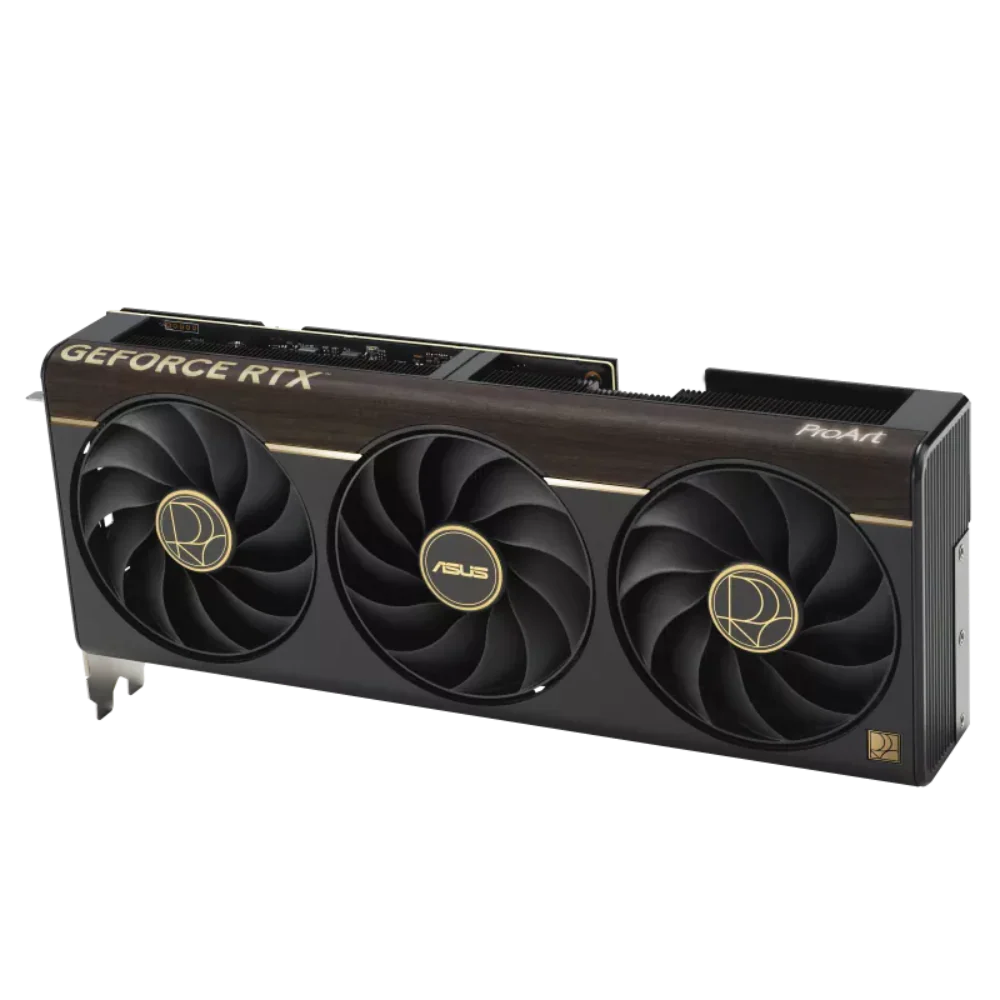
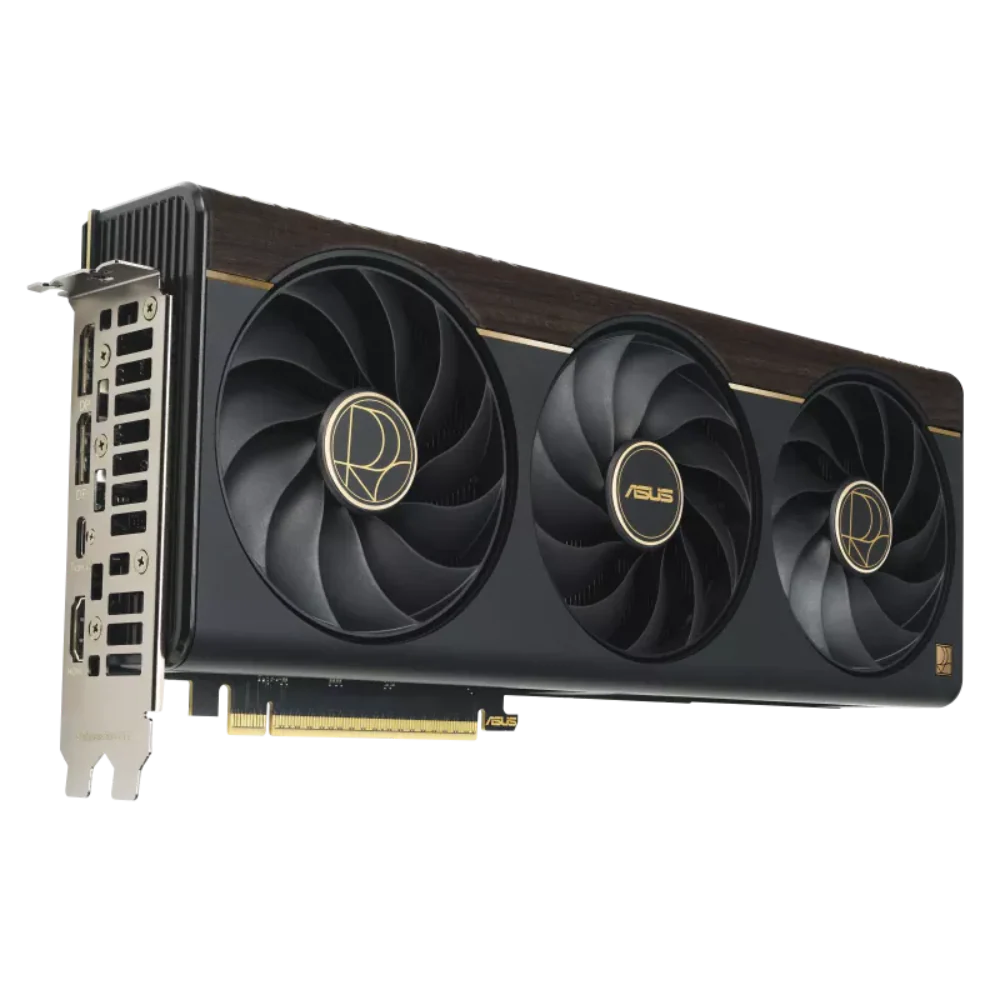

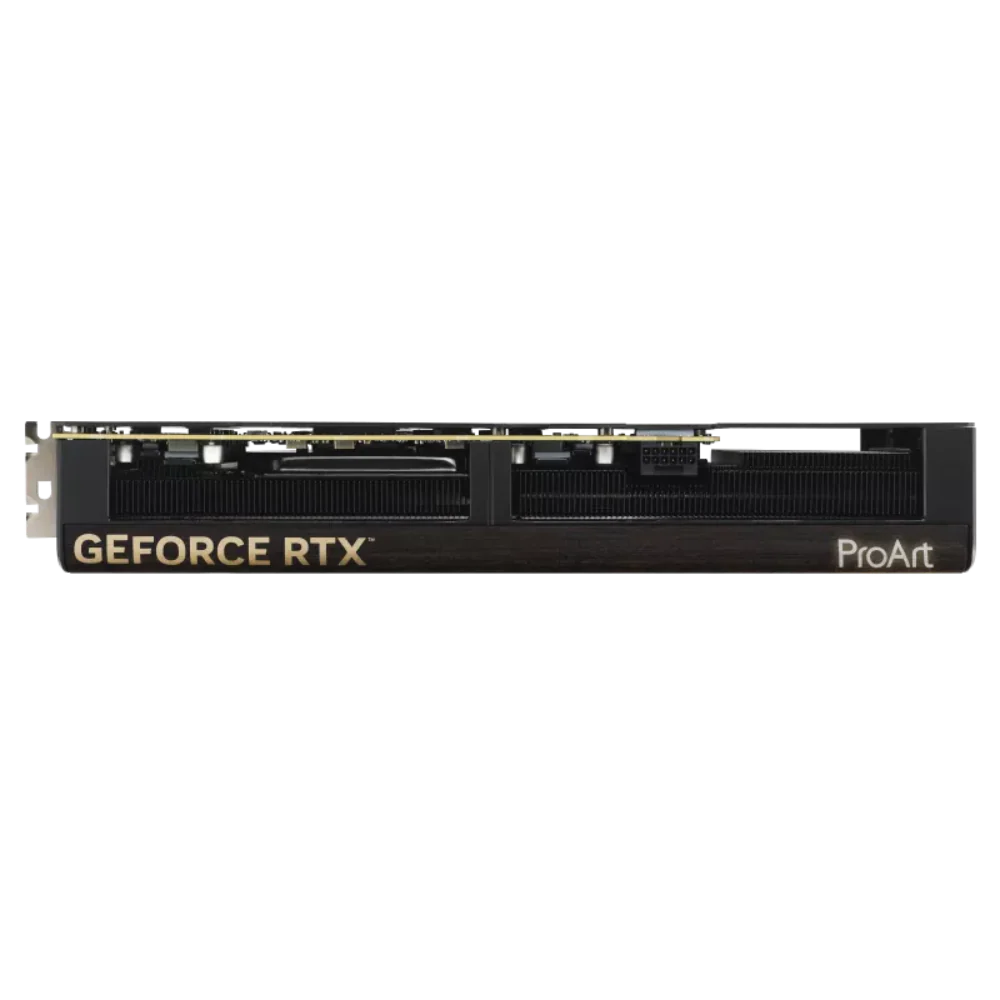
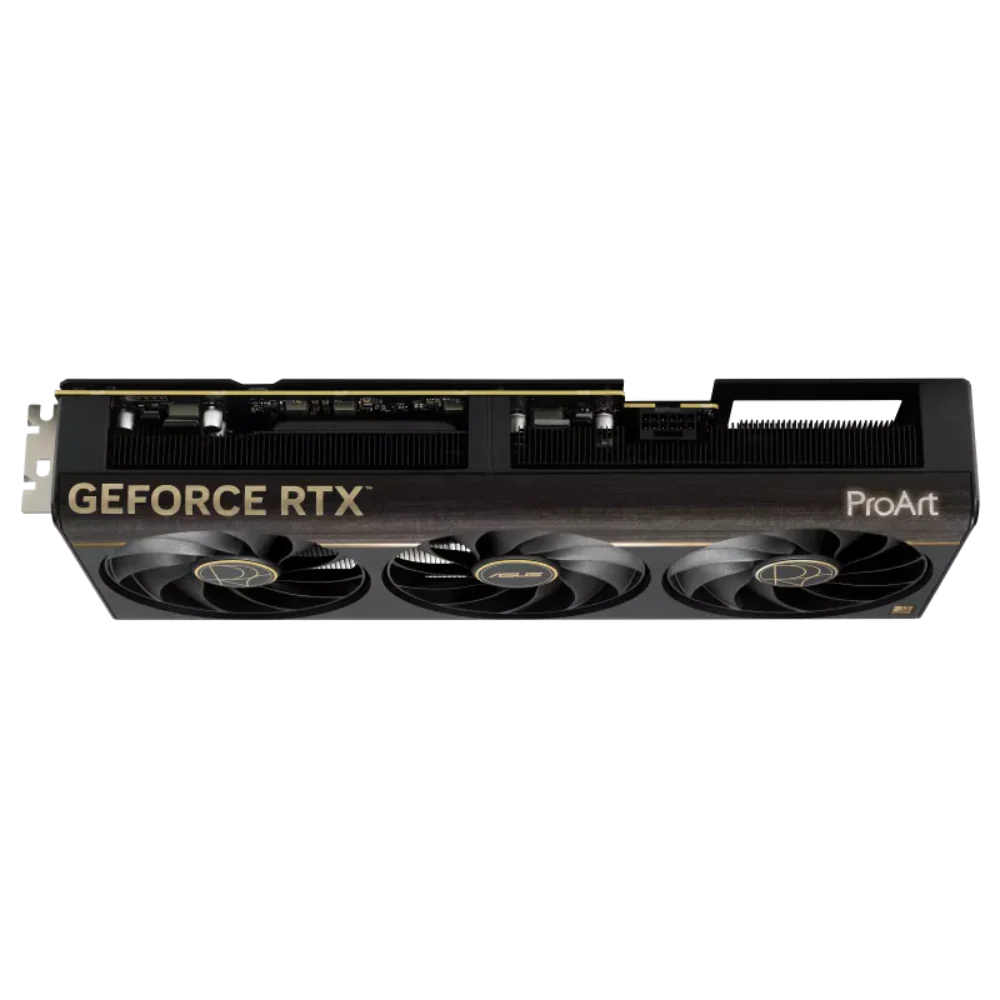

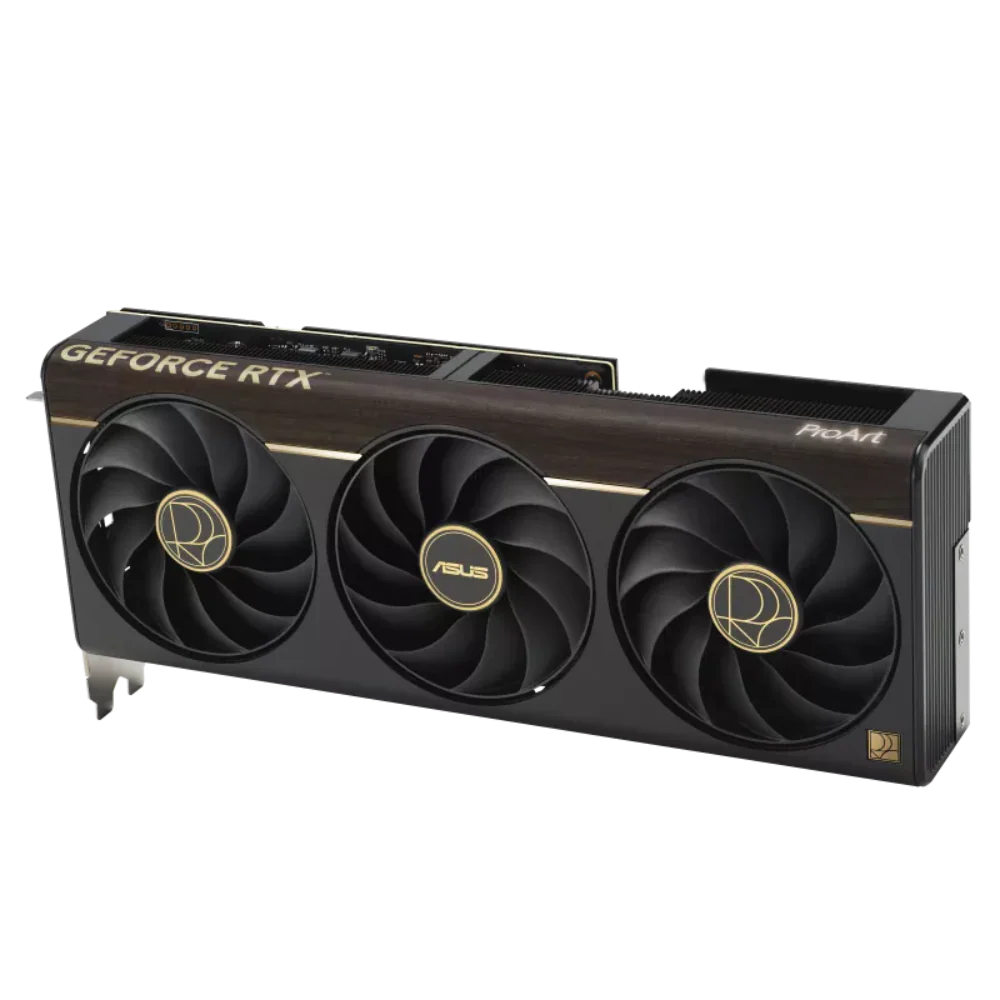
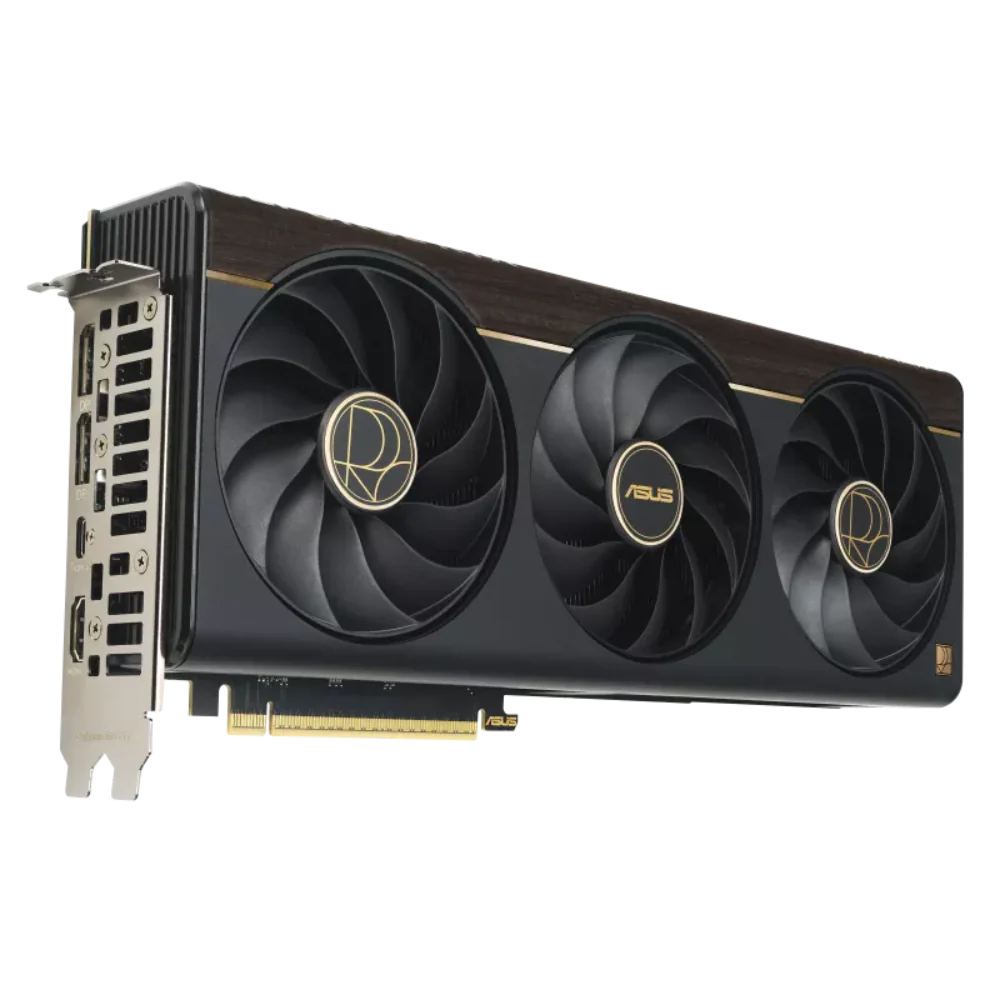
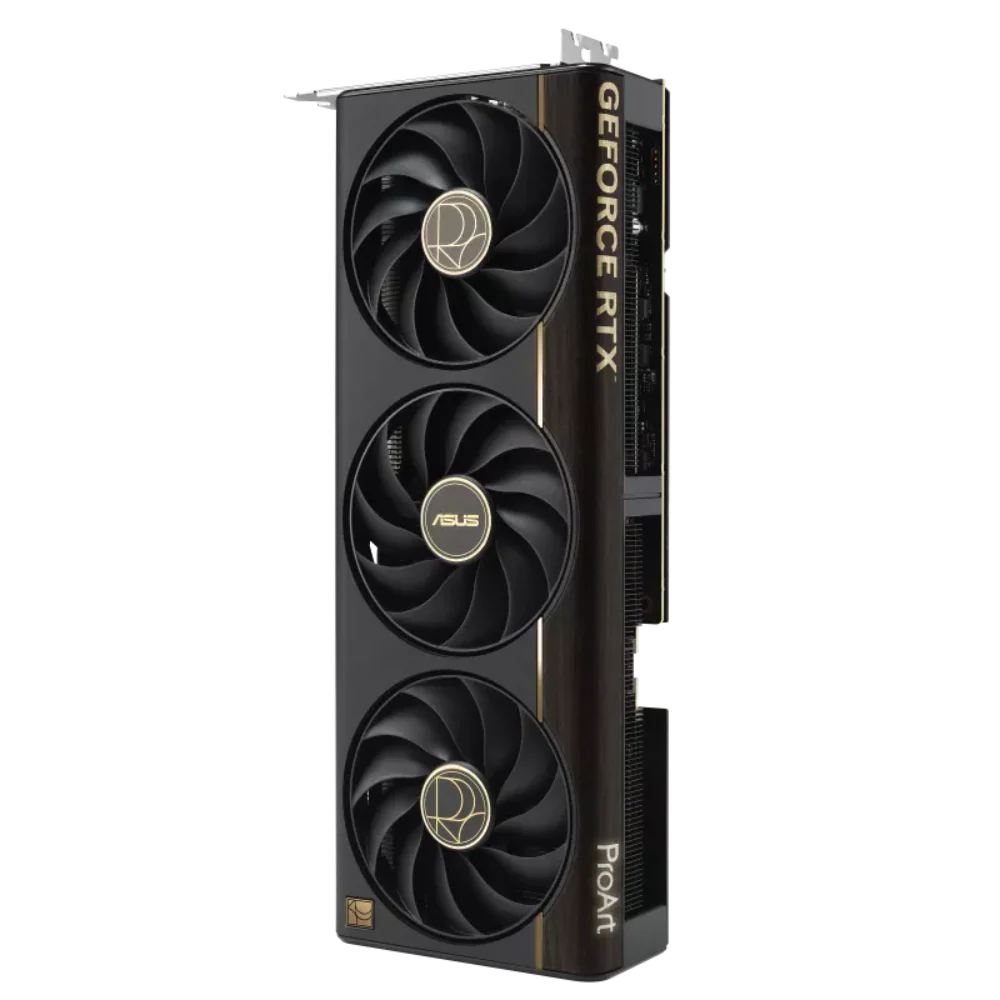
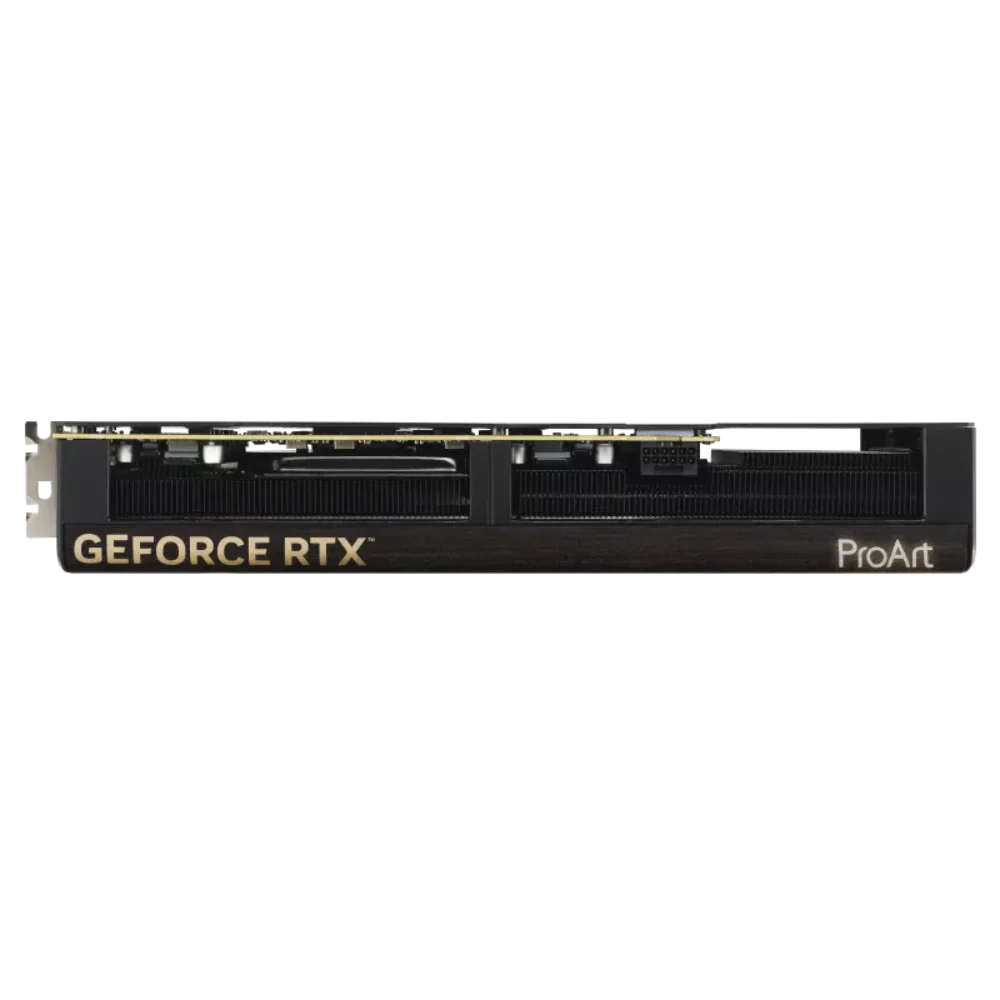
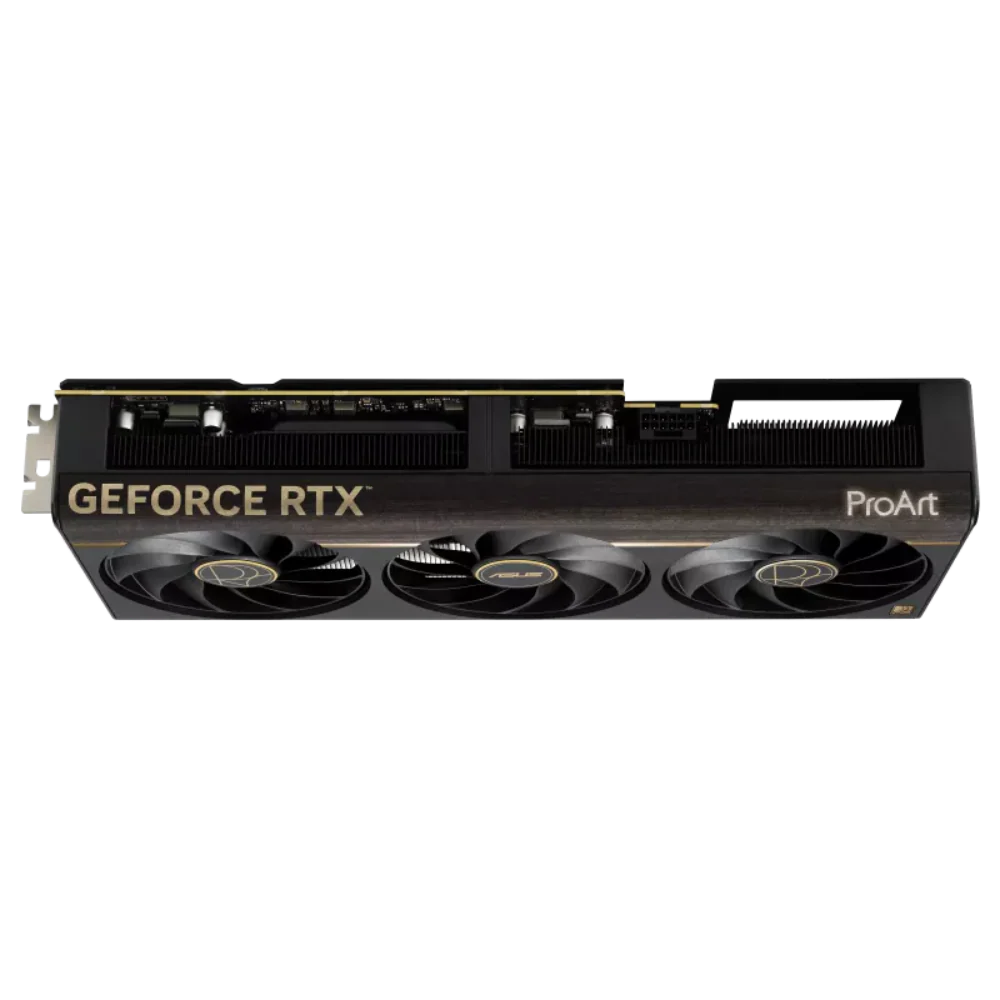
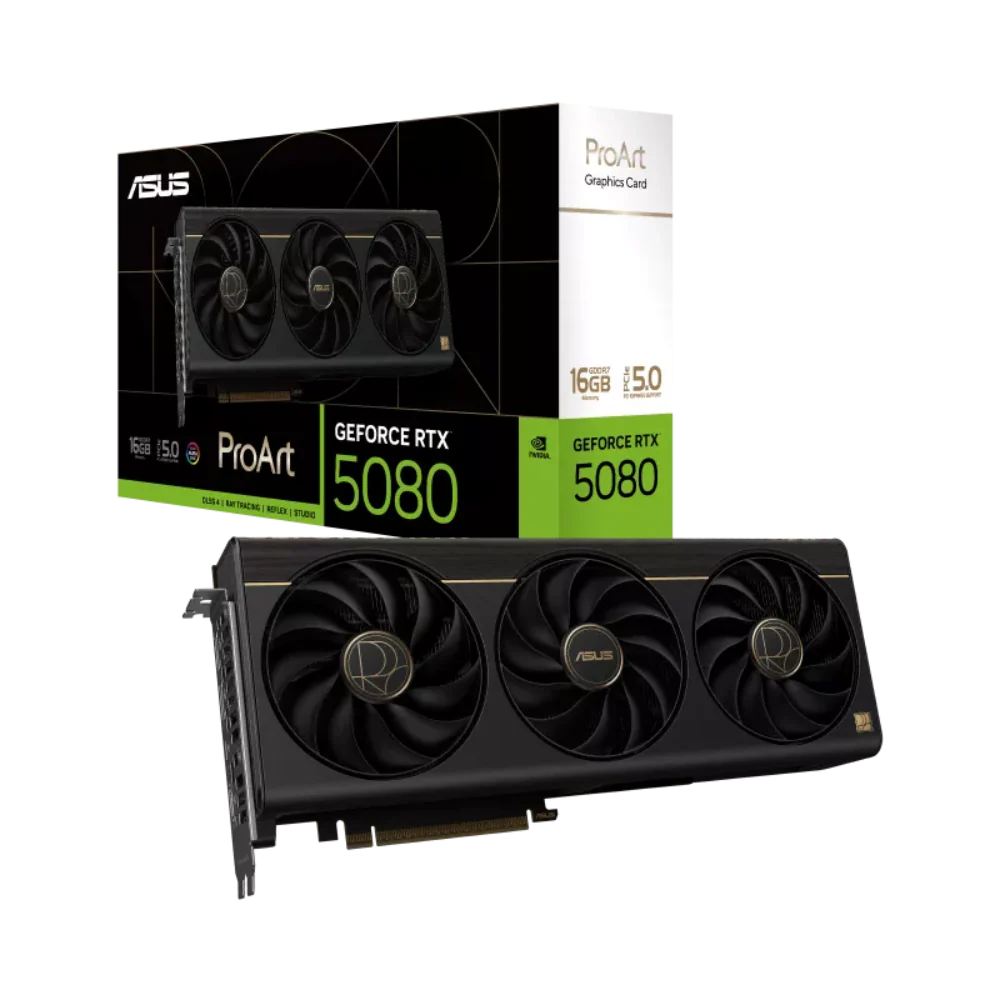
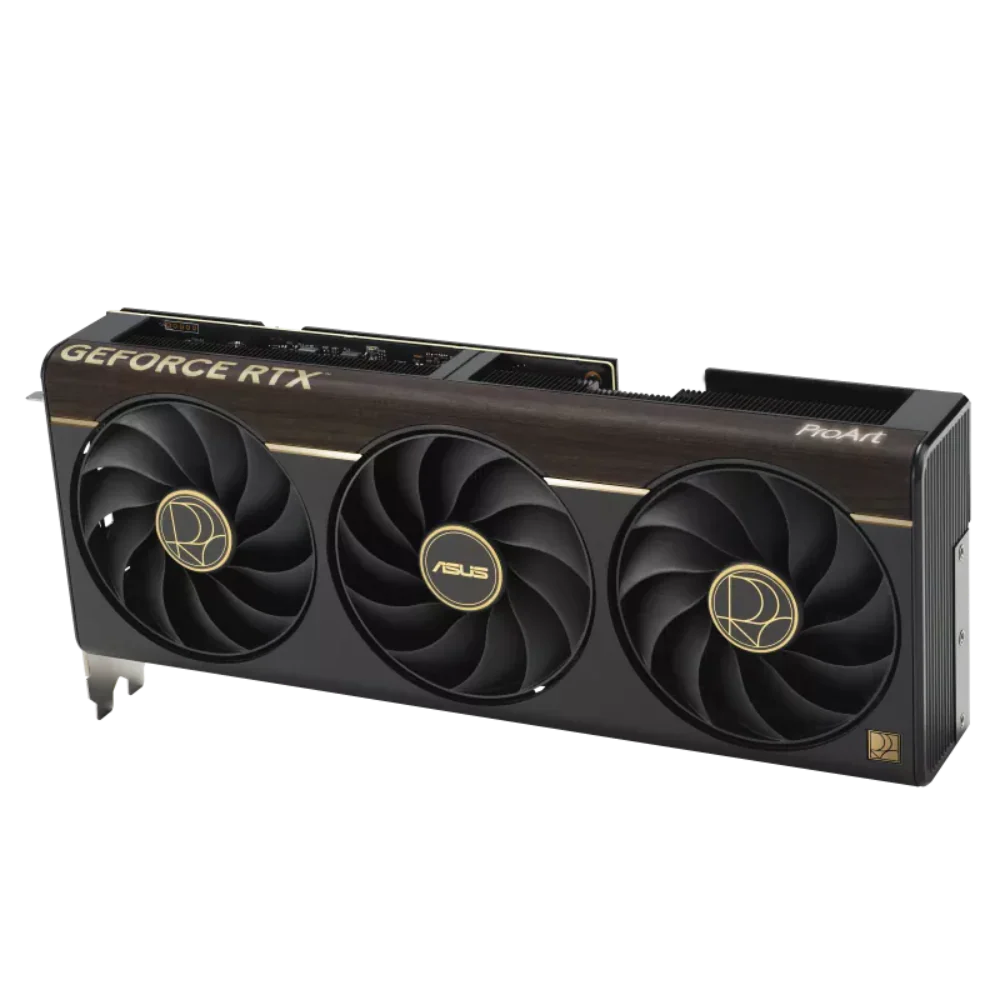
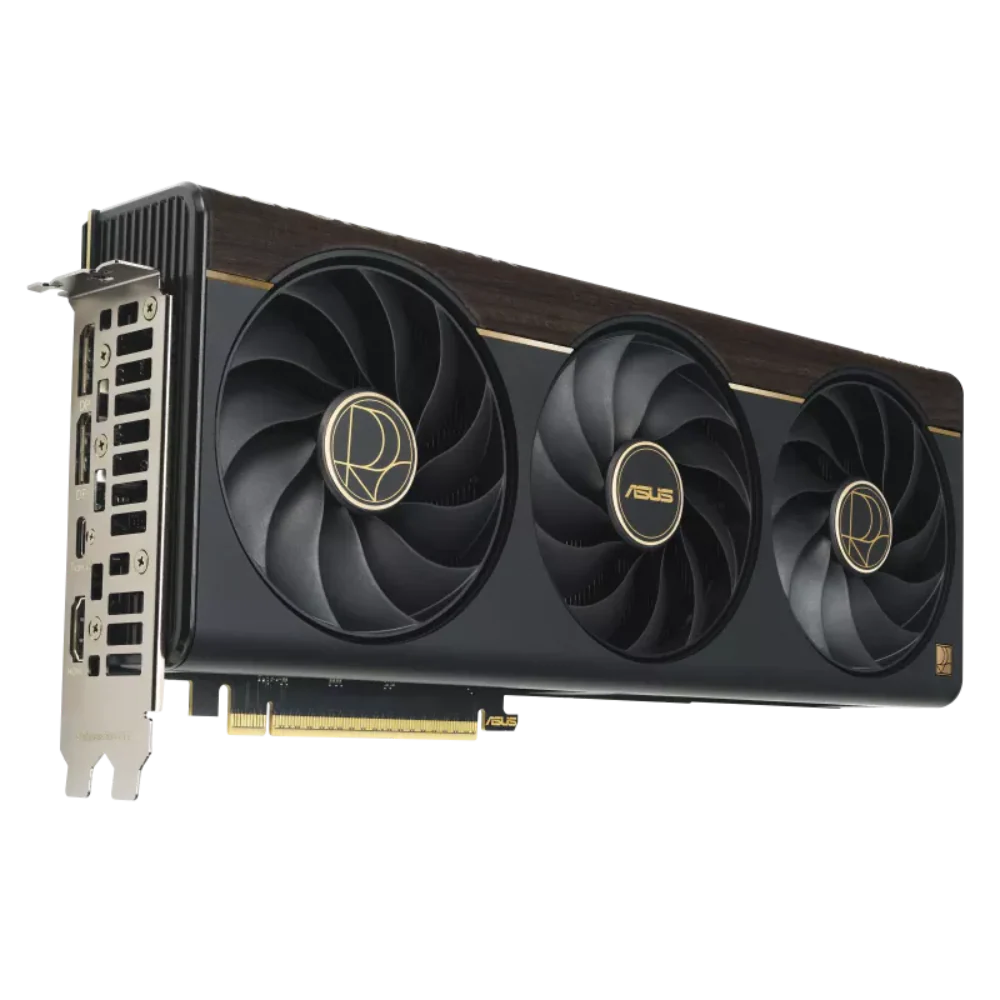

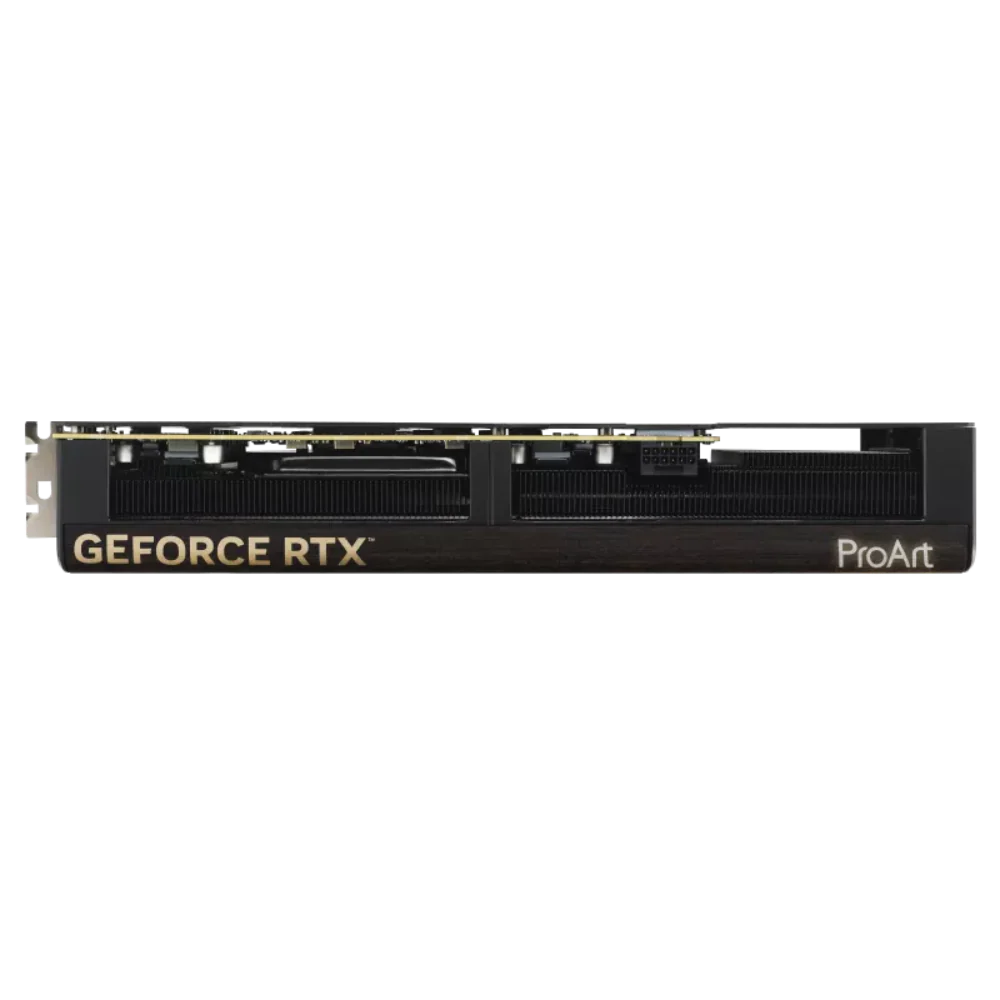
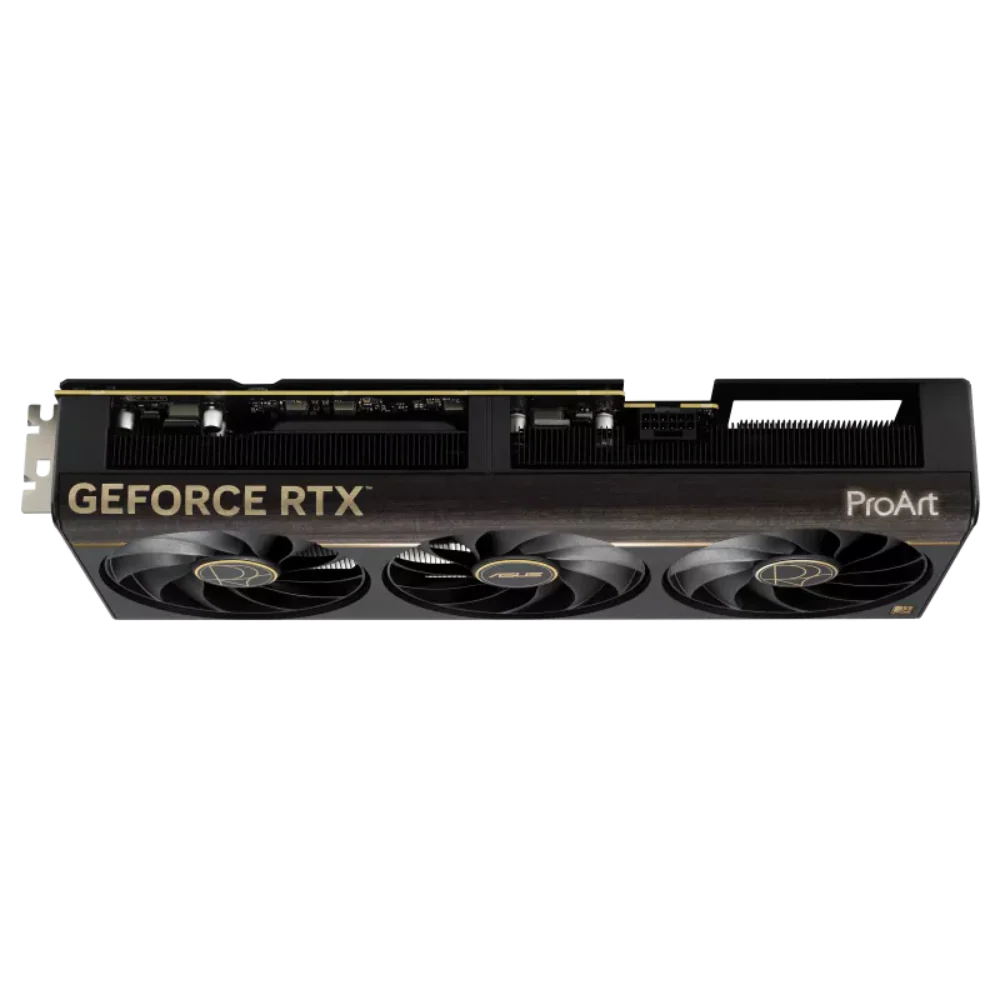
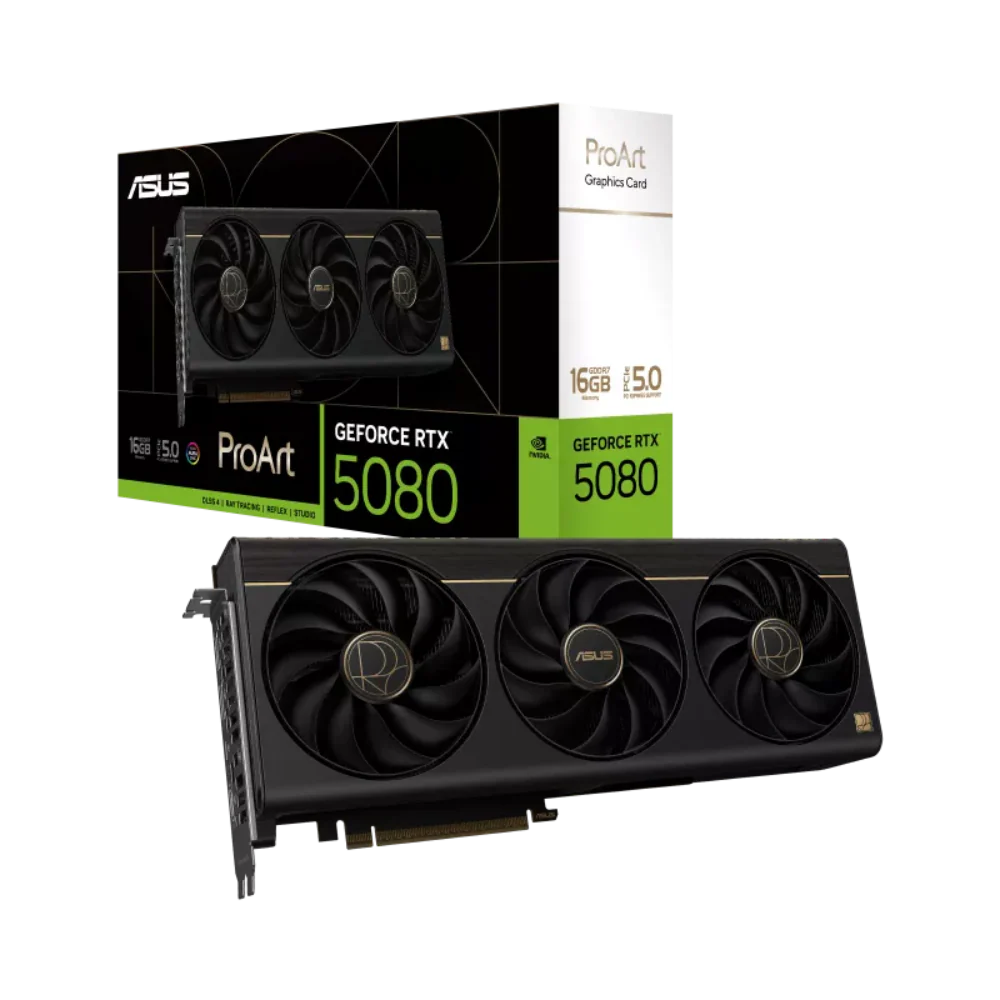
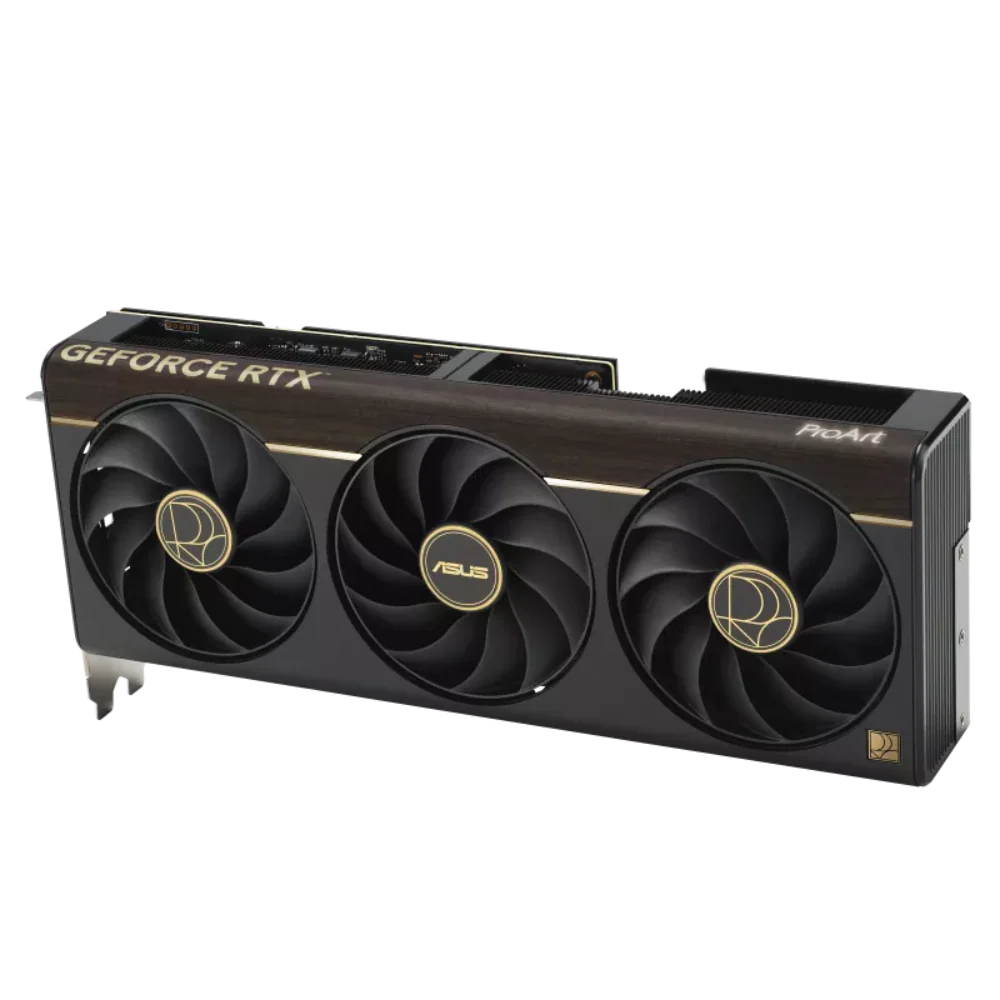
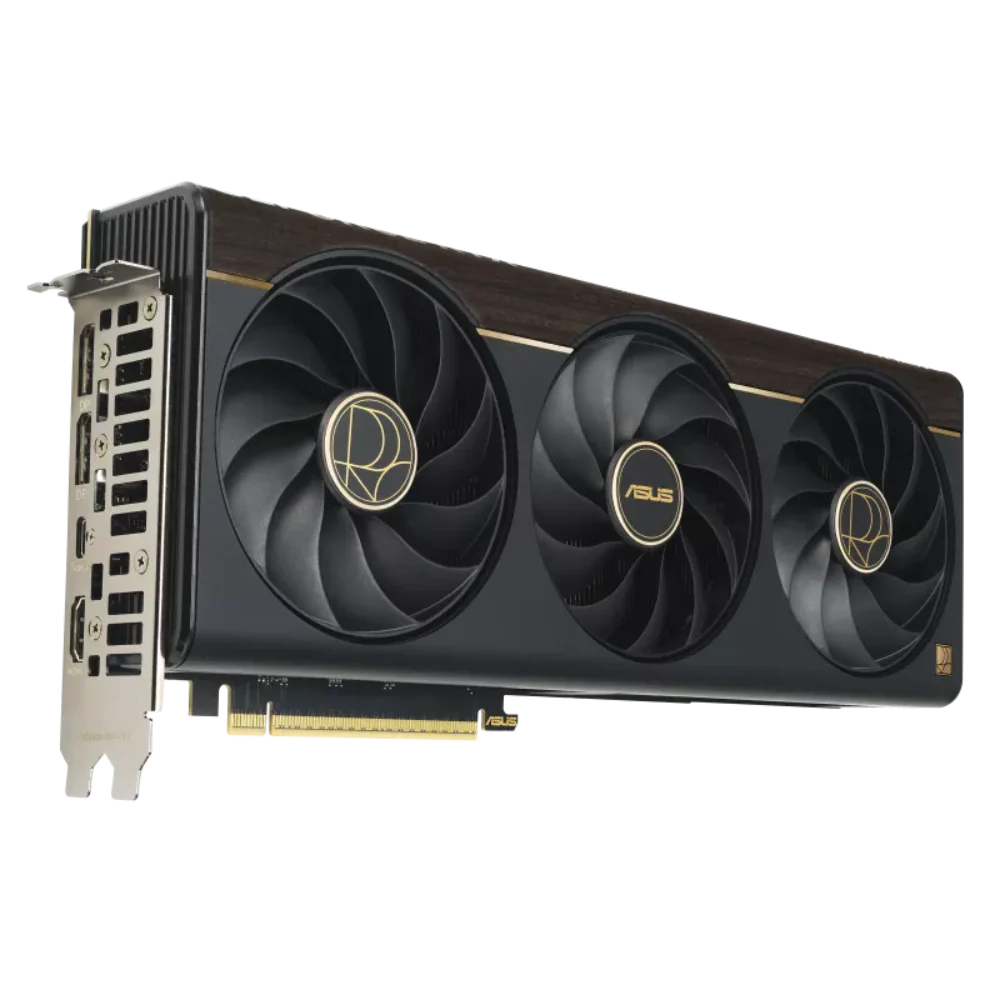
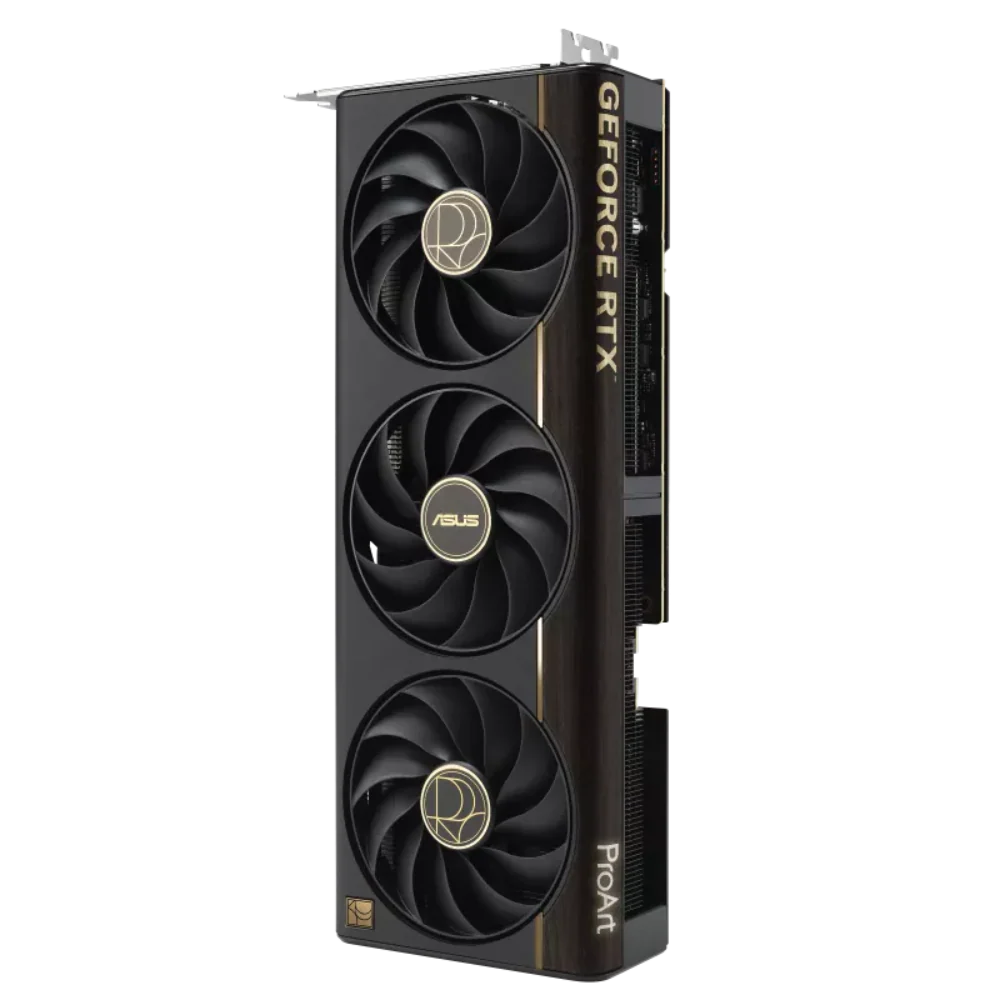
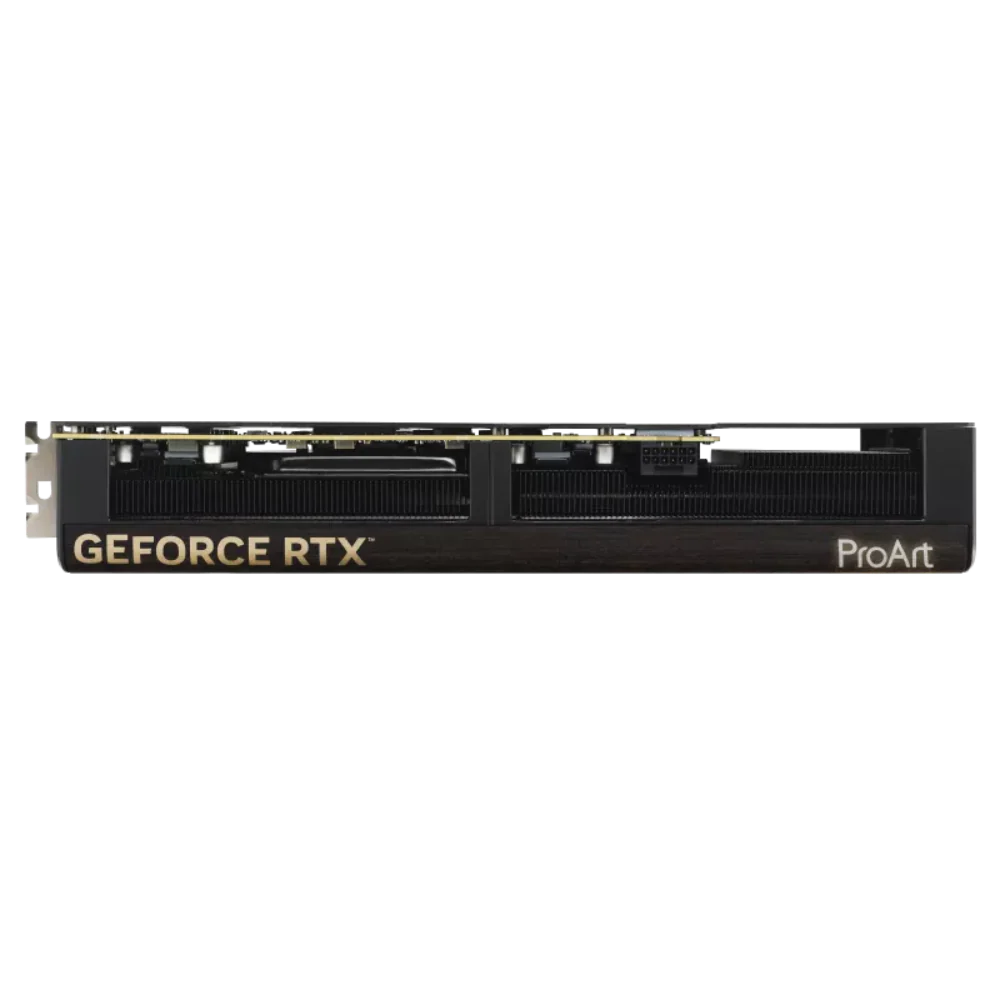
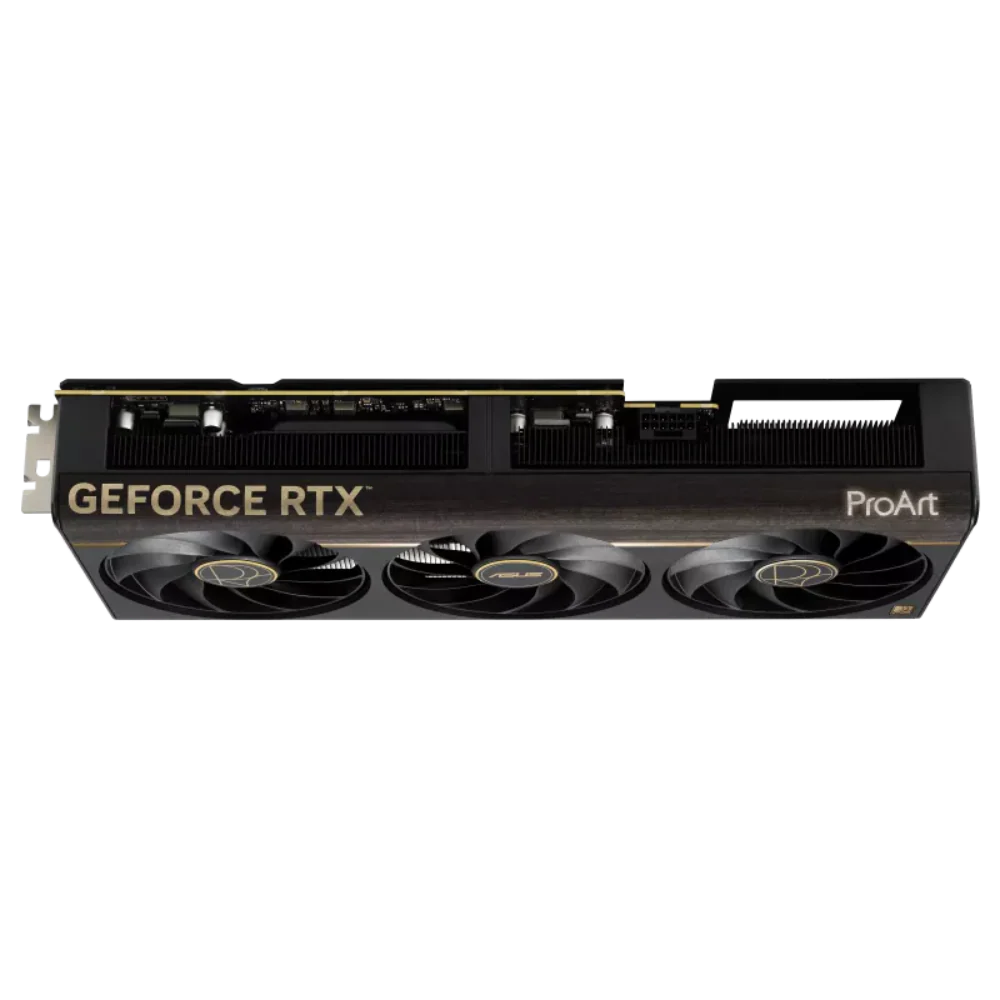
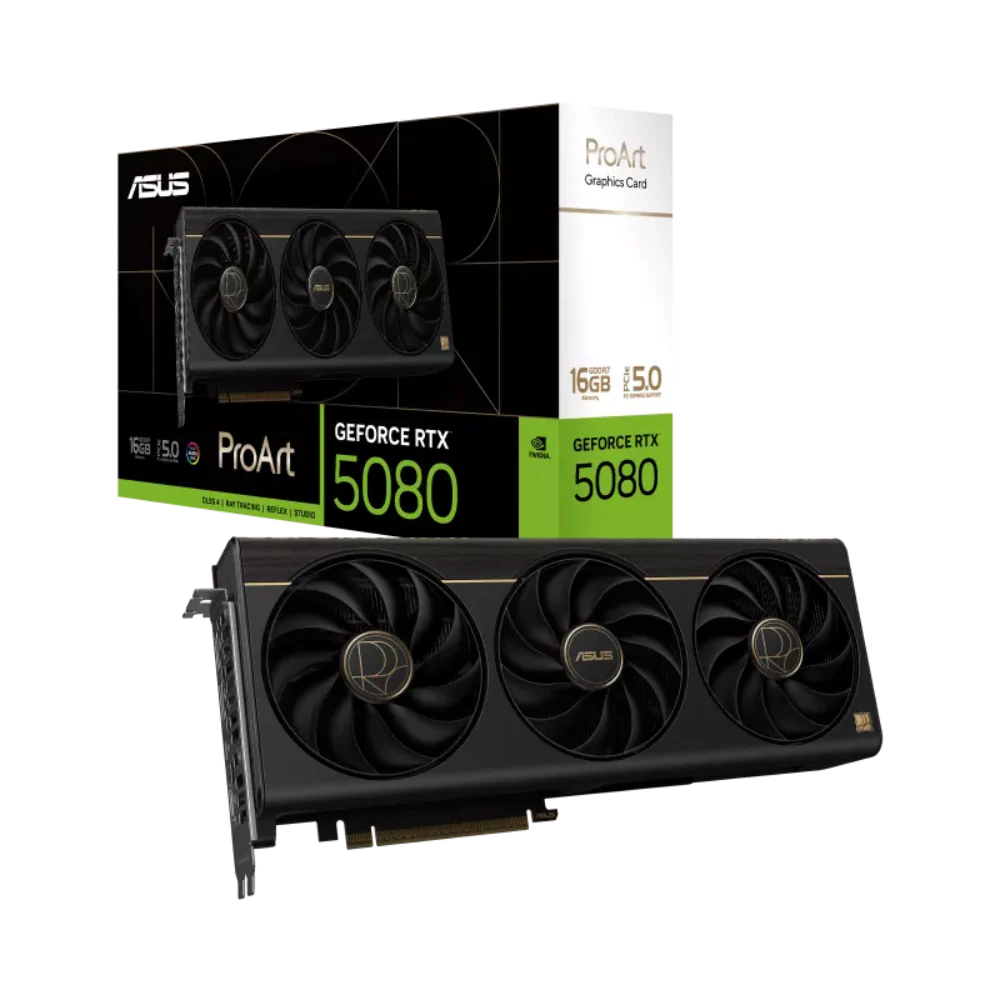


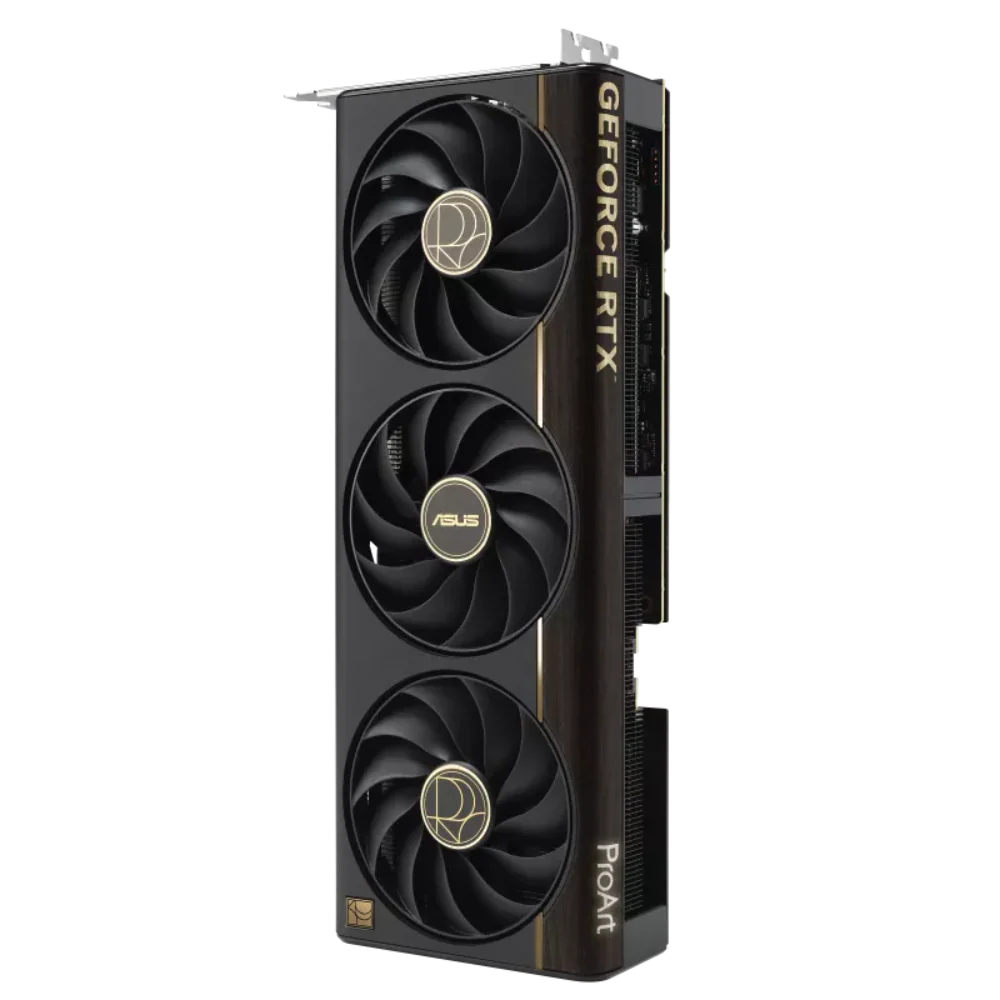
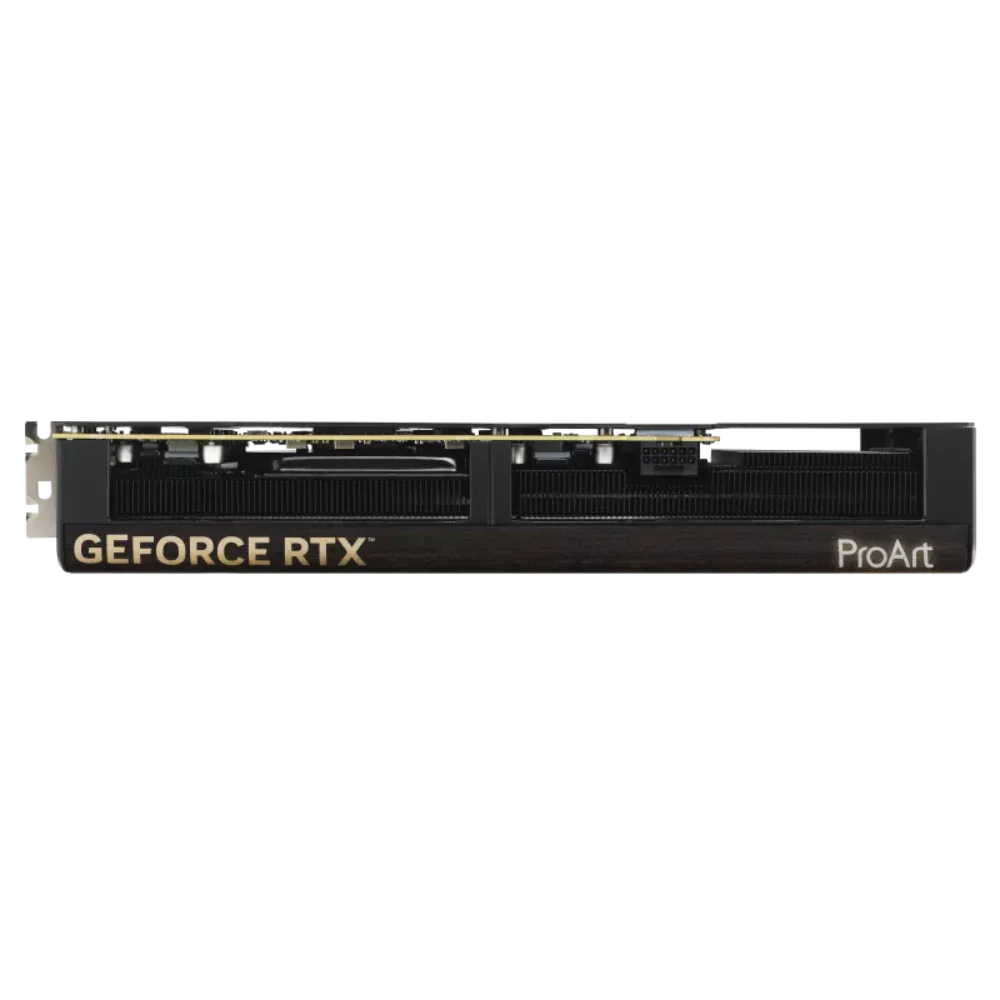


The ProArt GeForce RTX™ 5080 combines a compact 2.5-slot design with potent cooling – three Axial-tech fans, a vapor chamber, and a phase-change GPU thermal pad – to deliver GeForce RTX 50 Series performance to both full-scale towers and space-saving SFF builds. A USB Type-C® port enhances versatility for content creation workflows, while a wood-patterned laminate trim and low-key Aura-lit logo help deliver a refined aesthetic.
You can pack high performance into a smaller footprint with this SFF-Ready Enthusiast GeForce card. Look for cases that are compatible with SFF-Ready Enthusiast GeForce Cards to get a sure fit and streamline your PC build.
ProArt GeForce RTX 5080 comes with a USB Type-C output for connecting to a monitor capable of using the port to receive video. It also features two DisplayPort™ 2.1b ports and one HDMI® 2.1b port for multiple high-resolution displays, boosting productivity across creative workflows.
The ProArt GeForce RTX 5080 features a 2.5-slot design and an advanced cooling system with Axial-tech fans plus heatpipes and a vapor chamber for efficient heat dissipation. This combination helps ensure low temperatures, low noise, and high performance.
The two outer fans spin counterclockwise to minimize turbulence and to maximize air dispersion through the heatsink. All three fans come to a standstill when GPU temperatures are below 50°C, enabling you to perform light creative tasks in relative silence. Fans start up again when temps are over 55°C, referencing a speed curve that balances performance and acoustics for work or play.
A vapor chamber, heatpipes and heatsink efficiently soak up heat from the GeForce RTX 5080 GPU, helping to ensure premium performance in a variety of scenarios.
Large backplate vents significantly enhance heat dissipation, helping to keep temperatures nominal during intense tasks. This additional airflow helps ensure optimal temperatures, performance, longevity and stability.
Performance mode lets the fans spin up to emphasize cooling, and Quiet mode keeps the same power target and top-end settings while offering a less aggressive fan curve for quieter operation at moderate temperatures.
Use our wattage calculator to estimate how much power you’ll need to fuel your rig, and then pick a compatible ROG, TUF Gaming or Prime power supply for ultimate performance.
RTX is the most advanced platform for full ray tracing and neural rendering technologies that are revolutionizing the ways we play and create. Over 700 games and applications use RTX to deliver realistic graphics and incredibly fast performance with cutting-edge AI features like DLSS Multi Frame Generation
Part No: 90YV0N31-M0AA00
| Model | PROART-RTX5080-16G |
| Graphic Engine | NVIDIA® GeForce RTX™ 5080 |
| AI Performance | 1801 TOPs |
| Bus Standard | PCI Express 5.0 |
| OpenGL | OpenGL®4.6 |
| Video Memory | 16GB GDDR7 |
| Engine Clock | OC mode: 2640 MHz Default mode: 2617 MHz (Boost Clock) |
| CUDA Core | 10752 |
| Memory Speed | 30 Gbps |
| Memory Interface | 256-bit |
| Resolution | Digital Max Resolution 7680 x 4320 |
| Interface |
Yes x 1 (Native HDMI 2.1b) Yes x 2 (Native DisplayPort 2.1b) Yes x 1 (USB Type-C) HDCP Support Yes (2.3) |
| Maximum Display Support | 4 |
| NVlink/ Crossfire Support | No |
| Accessories |
1 x Speedsetup Manual 1 x Adapter Cable (1 to 3) 1 x ProArt Graphics Card Holder 1 x ASUS Velcro Hook & Loop 1 x Thank you Card |
| Software |
ASUS GPU Tweak III & MuseTree & GeForce Game Ready Driver & Studio Driver: please download all software from the support site. |
| Dimensions |
304 x 126 x 50 mm 12 x 5 x 2 inch |
| Recommended PSU | 850W |
| Power Connectors | 1 x 16-pin |
| Slot | 2.5 Slot |
| SFF Ready | Compatible |
| Note |
* Our wattage recommendation is based on a fully overclocked GPU and CPU system configuration. For a more tailored suggestion, please use the “Choose By Wattage” feature on our PSU product page: https://rog.asus.com/event/PSU/ASUS-Power-Supply-Units/index.html * All specifications are subject to change without notice. Please check with your supplier for exact offers. Products may not be available in all markets. If you do not use the latest and current specifications of ASUS products, you shall be liable for all loss and damage claimed by third party to ASUS based on false advertising or any other issues caused from using false specifications of ASUS products. * Maximum Display Support is specifically applied to simultaneous display situation |
Brain Tech PC operated by Nishi Infotek LLP ships to almost all pin codes across India. We use reliable courier partners to ensure your order reaches you safely and on time.
We offer Free Shipping on most prepaid orders across India.
If a specific shipping charge applies to a small order or a remote area, it will be calculated and displayed at checkout before you make a payment.
There are no hidden charges. The total price shown at checkout is the final price.
Processing Time: Orders are usually processed and packed within 1 to 2 business days (Monday to Saturday).
Order Cut-off Time: Orders placed after 2:00 PM IST will be processed on the next business day.
Custom PCs: For Custom PC builds, please allow an additional 2-3 days for assembly and stress testing before dispatch.
Transit Time: Once shipped, the estimated delivery time is 2 to 4 business days depending on your location.
Total Delivery Time: You can expect to receive your order within 3 to 6 business days from the date of purchase.
Metro Cities: 3-4 Days
Rest of India: 4-6 Days
Remote Areas: May take slightly longer.
(Note: Delivery timelines may be impacted by public holidays, extreme weather, or courier delays beyond our control.)
We ship using trusted carriers to ensure the safety of high-value electronics:
Blue Dart
Delhivery
DTDC
Amazon Shipping
Once your order is shipped, you will receive an email and SMS with the Tracking Number and the courier company's link. You can track your package live to know the expected delivery date.
IMPORTANT:
Do not accept the package if the seal is broken, tampered with, or damaged.
Video Recording: We highly recommend making an unboxing video (without cuts) when opening your package. This is mandatory proof if you receive a damaged product or missing accessories.
If you face any issues, contact us immediately at +91 9146194675 or contact@braintechpc.in.
Currently, we do not ship internationally. We ship only within India.
If you have any questions about your shipment, please contact us:
Phone: +91 9146194675
Email: contact@braintechpc.in
Address: 1st Floor, 103, Prakashdeep Apartment, Station Road, O.T Section, Ulhasnagar, Maharashtra 421002, India
Wishlist is empty.


